PowerAdvice advertiser programs

Reach advisors inside the decisions they already follow.

PowerAdvice is a financial-advisor publication environment for firms that sell to advisors: asset managers, insurance carriers, fintech platforms, retirement-income providers, and wealth solutions. Sponsorship runs beside market views, planning resources, retirement guidance, advisor practice content, Centers, and podcast discovery.

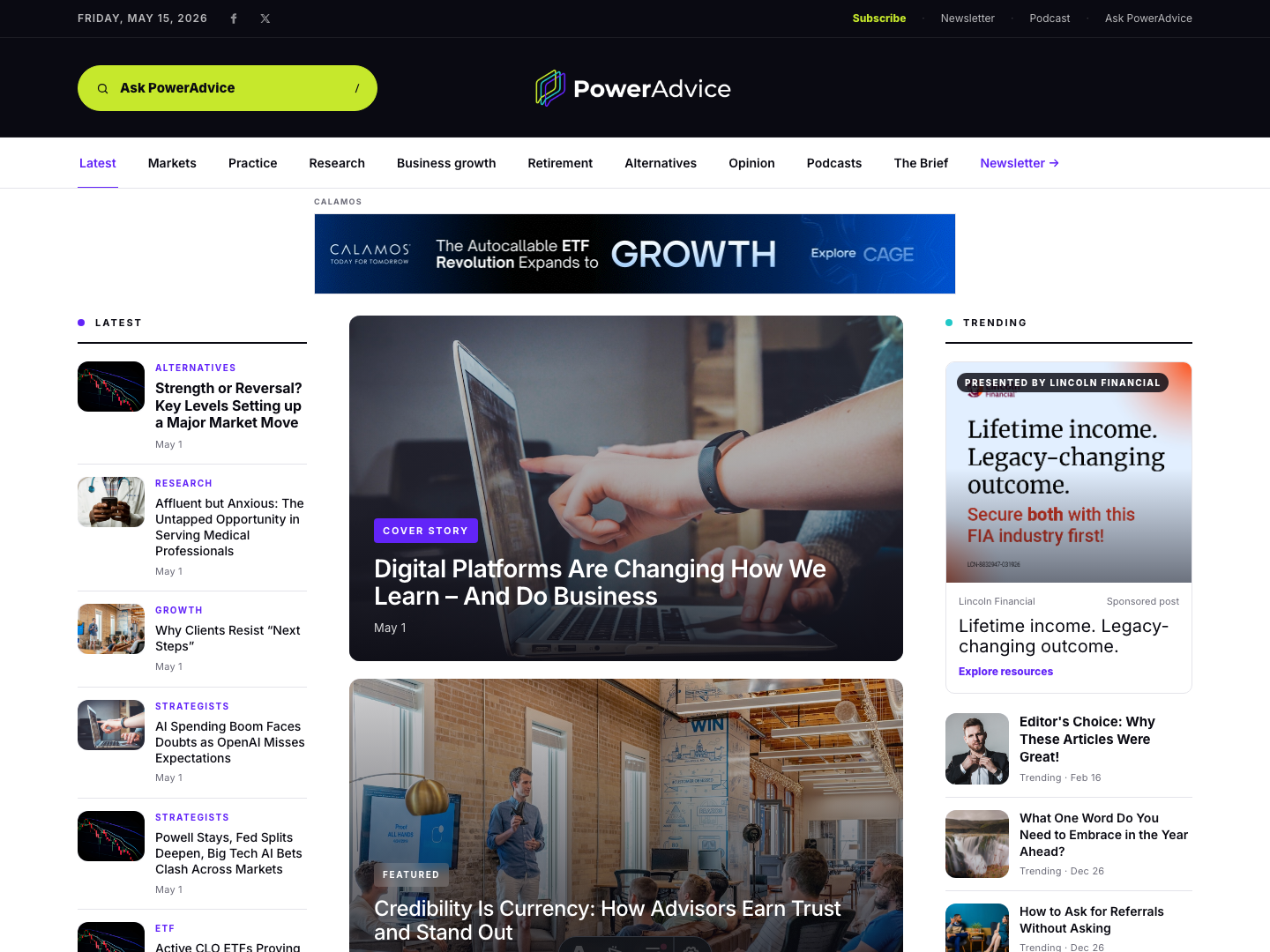
PowerAdvice homepage showing editorial content and sponsor placements
Live PowerAdvice surfaces carry standard display, native sponsor cards, Sponsored Centers, and podcast page sponsorships that are represented in the current advertising system.
Estimated audience baseline 40K+ monthly advisor visits
Daily reading activity 1.4K estimated daily visitors
Discovery mix Direct and search-driven advisor traffic

Audience context

Built for companies that need advisor attention, not broad consumer reach.

Financial-services buyers can show up in context.

PowerAdvice gives sponsors a clean way to appear inside an estimated 40K monthly advisor visits while readers follow markets, retirement income, planning, practice growth, technology, and client decision moments.

Sponsor stories can match the reader moment.

A launch banner can run where attention starts. A resource card can sit beside relevant coverage. A Sponsored Center can carry a deeper retirement, income, or planning theme.

Every offer maps to a live placement.

PowerAdvice keeps sponsor offers tied to placements that already exist across the site: display, native sponsor cards, Sponsored Centers, and podcast page sponsorship.

Sponsor products

Choose the format that fits the campaign.

01

Display awareness

Standard 728x90 and 300x250 units for launches, timely market messages, and efficient reach across advisor reading paths.

Formats
728x90, 300x250
Surfaces
Homepage, topic pages, articles
02

Native resource promotion

Sponsored cards for resource offers that need a headline, image, short explanation, and a stronger reason to click.

Format
Native sponsor card
Surfaces
Homepage, topic pages, articles, podcast page
03

Sponsored Center

A dedicated PowerAdvice destination for a campaign theme, supported by homepage and contextual promotion.

Format
Dedicated Center
Best fit
Thought leadership, resource hubs, planning themes
04

Podcast page sponsorship

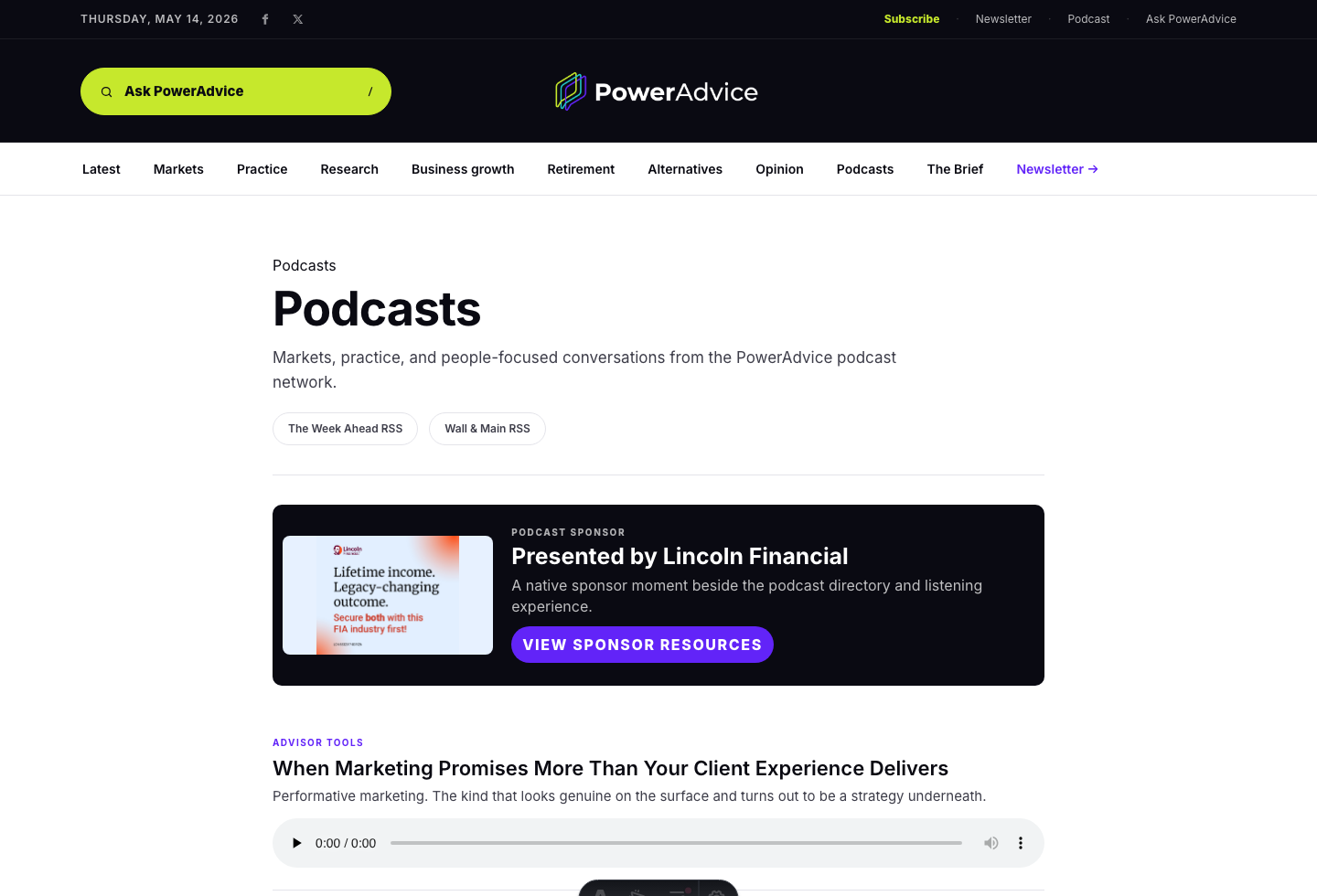
A native sponsor card placed before the episode list, giving audio-adjacent presence without interrupting playback.

Format
Native sponsor card
Surface
PowerAdvice podcast page

Placement context

See how the current inventory appears on PowerAdvice.

Compare each surface by reader moment, placement size, device behavior, and campaign fit.

PowerAdvice homepage sponsor placement screenshot

Homepage

Use homepage placements when the campaign needs fast visibility at the start of the advisor reading session.

  • Homepage top leaderboard, 728x90, desktop
  • Trending native sponsor card, desktop
  • Partner native sponsor card, responsive
  • Partner resources rectangle, 300x250, responsive
  • In-flow rectangle after the main story grid, 300x250, responsive
  • Mobile inline rectangle, 300x250, mobile

Active creative examples

Match the message to the format advisors will see.

Current sponsor examples include Calamos, Lincoln Financial, Fidelity, and Healthspan Wealth.

728x90 display

Calamos CAGE 728x90 display creative

Calamos launch banner

Best fit for homepage or topic-page awareness where the message needs immediate visibility.

Native card

Lincoln Financial native sponsor creative

Lincoln Financial resource promotion

A headline, image, and explanation for a retirement-income resource.

300x250 display

Healthspan Wealth Be the first call when life changes. See the platform

Healthspan Wealth rectangle

Best fit for standard 300x250 inventory across homepage, topic, mobile, and article placements.

Sponsored Center

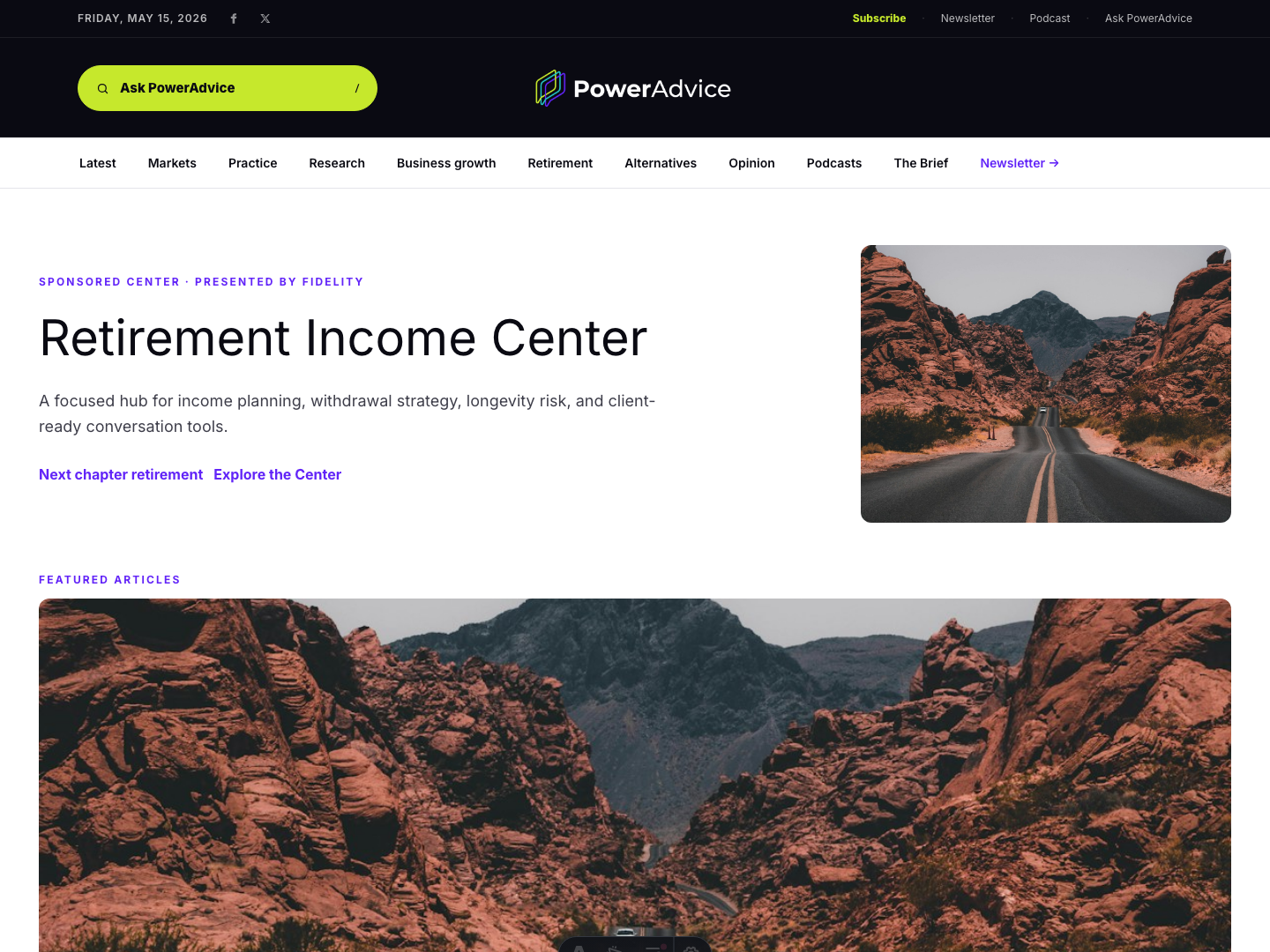
Retirement Income Center screenshot

Fidelity Retirement Income Center

A dedicated destination for a sponsor theme and supporting resource journey.

Current inventory

Available placements for campaign planning.

Homepage, topic pages, article pages, Centers, and podcast page placements support 728x90, 300x250, native sponsor card, and Sponsored Center formats.

Placement Surface Format Device Use case
Homepage top leaderboardHomepage728x90DesktopLaunches and timely market messages
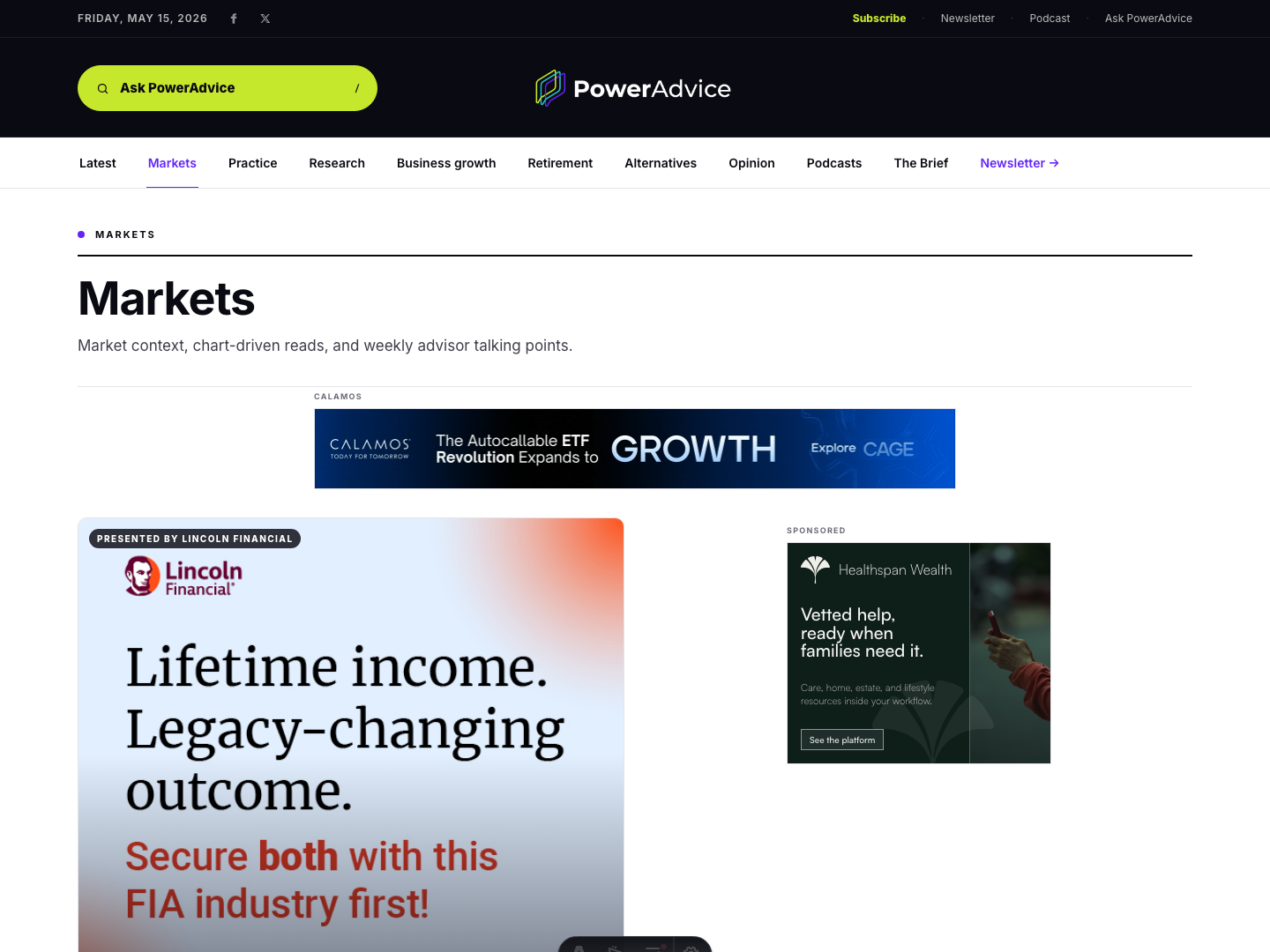
Topic-section top leaderboardTopic page728x90DesktopCoverage-category adjacency
Homepage trending native sponsorHomepageNative cardDesktopResource promotion
Homepage partner native sponsorHomepageNative cardResponsivePartner resource offers
Homepage partner resources rectangleHomepage300x250ResponsiveDisplay beside sponsor resources
Homepage in-flow rectangleHomepage300x250ResponsiveDisplay after the main story grid
Homepage mobile inline rectangleHomepage300x250MobileMobile display without sticky interruption
Topic-section native sponsorTopic pageNative cardResponsiveSponsor resources tied to a section theme
Topic-section inline rectangleTopic page300x250ResponsiveStandard display in a topic sponsorship
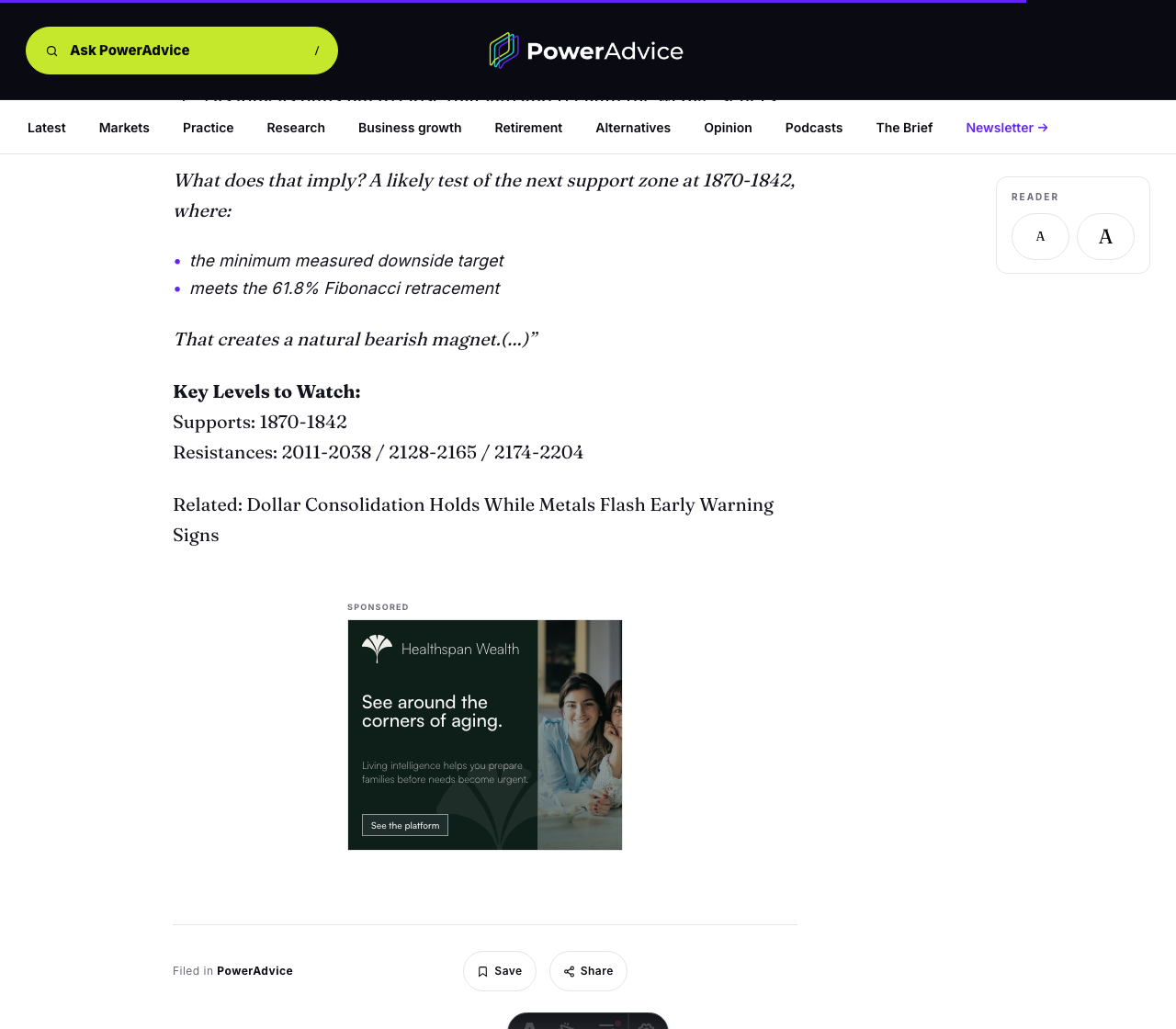
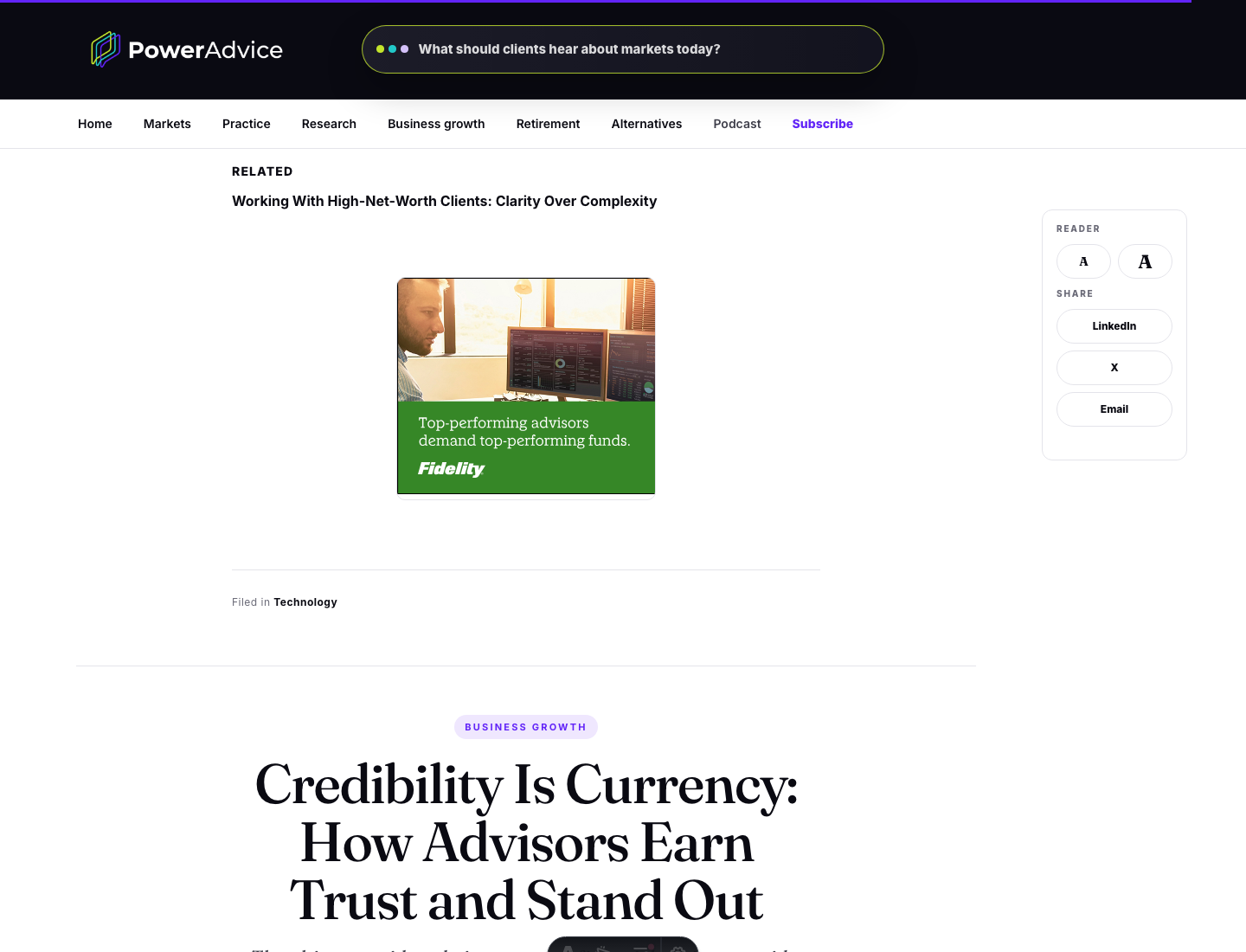
Article companion native sponsorArticleNative cardResponsiveSponsor resources tied to article context
Article-end rectangleArticle300x250ResponsiveFollow-up offer after article body
Sponsored CenterCenterDedicated destinationResponsiveTheme-based sponsor hub
Podcast native sponsorPodcast pageNative cardResponsiveSponsor presence before episode discovery

Creative specs

Prepare the assets needed for each format.

728x90 leaderboard

Static image or approved ad-server tag. Provide destination URL, alt text, campaign dates, and tracking requirements.

300x250 rectangle

Static image or approved ad-server tag. Provide destination URL, alt text, campaign dates, and tracking requirements.

Native sponsor card

Sponsor name, image, headline, short description, CTA, destination URL, approved label, and campaign dates.

Sponsored Center

Campaign theme, hero image, approved page copy, sponsor name, resource URLs, destination URL, and campaign dates.

Podcast sponsor card

Sponsor name, image, headline, short description, CTA, destination URL, approved label, and campaign dates.

Campaign fit

Bring the campaign goal. PowerAdvice can map it to the available inventory.

Send the audience, timing, creative format, target URL, and the decision you want advisors to take next. The cleanest starting point is a campaign fit check against current PowerAdvice placements.

Good fit for

  • Fund launches and market education
  • Retirement-income and insurance resources
  • Advisor technology and workflow platforms
  • Planning, wellness, estate, and client-life solutions
Email PowerAdvice partnerships